
 Lines
A calm, private space for everything you keep.
Your notes and ideas, the books, films and podcasts you love, and the week ahead, together in one quiet place. It lives on your device, needs no account, and syncs only where you choose.
Free and open source. Mac, Windows, Linux, Android and the web. No account needed.

What you can do with it
-
Write and think
A quiet page that tidies itself up as you type. Plain Markdown underneath, tags instead of folders, and search that finds anything.
-
Keep what you read, watch and listen to
Paste a link to a book, a film or a podcast, and it fills itself in. Read your own books, follow the sites you love, and listen as you write.
The Library -
Plan your days
A calendar of your notes, events that repeat, and one list of every open todo. Choose a day to start a note for it.
-
Yours, private and offline
Your notes live on your device. No account, no ads, no tracking. Sync where you choose, encrypted end to end if you like.
Sync -
Bring your notes with you
Move from Obsidian, Bear, Logseq, Notion or Evernote with your tags, links and pictures. Take everything out as plain files whenever you like.
Importing -
On every device
Apps for Mac, Windows, Linux and Android, and the web app in any browser. The iPhone app is on its way.
Get Lines
When a note needs to be more
Some thoughts need more than words. Any note can become a paper, a spreadsheet or a plan you can see.
Papers
Write it the way it will print
Theorems, proofs and equations in LaTeX, drawn as you type. Make the PDF right in the app, or take a .tex file that works anywhere.
LaTeX notes
Spreadsheets
Numbers that add up
Formulas with the keys and functions you know from Excel, and money and dates shown your way. Open and save CSV and Excel files.
Spreadsheets
Diagrams and models
Plans you can see
A few lines of text become a flowchart or a timing diagram. Sketch by hand, or make a 3D model to turn around and print.
Diagrams and models
- Math
- Drawings
- Code
- API requests
- Audio and video
- Spotify and SoundCloud
- Typing practice
- Terminal recordings
- PDF and print
- Locked notes
- Secrets
Make it feel like yours
Twenty-seven themes, each light and dark, including High Contrast and two for color blindness. Write on ruled or dotted paper, choose your fonts, or make a theme from a picture you love.
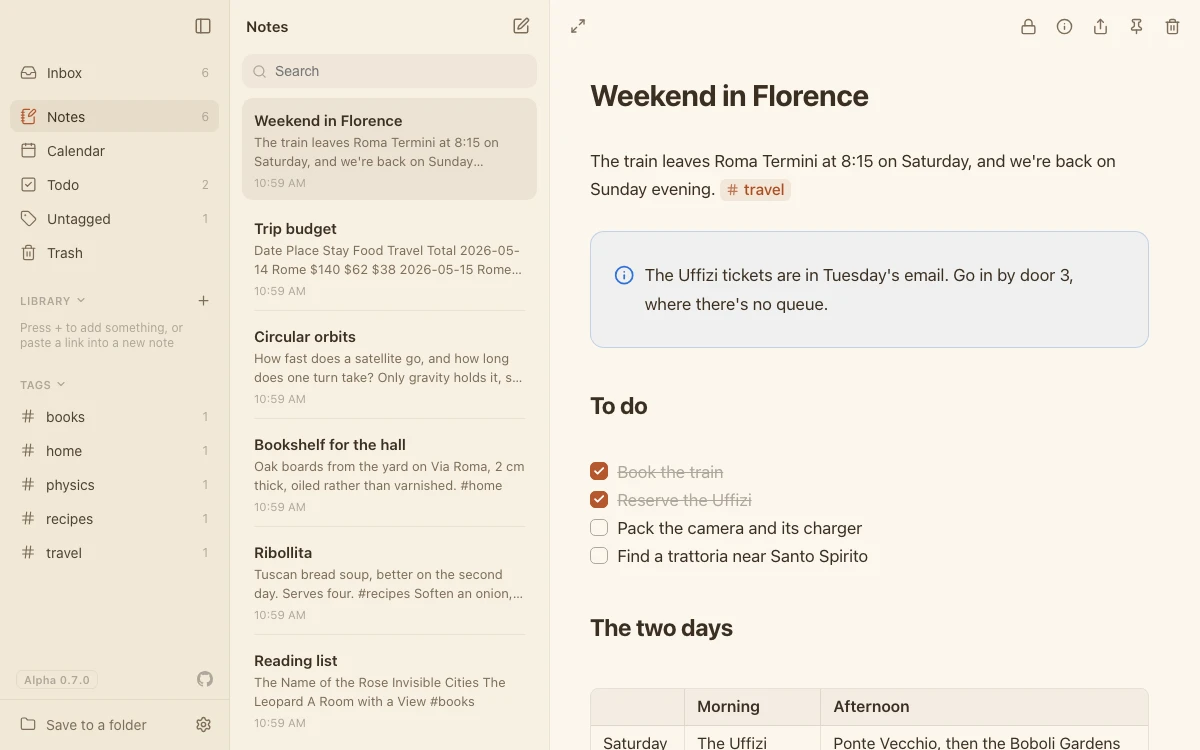
Sepia
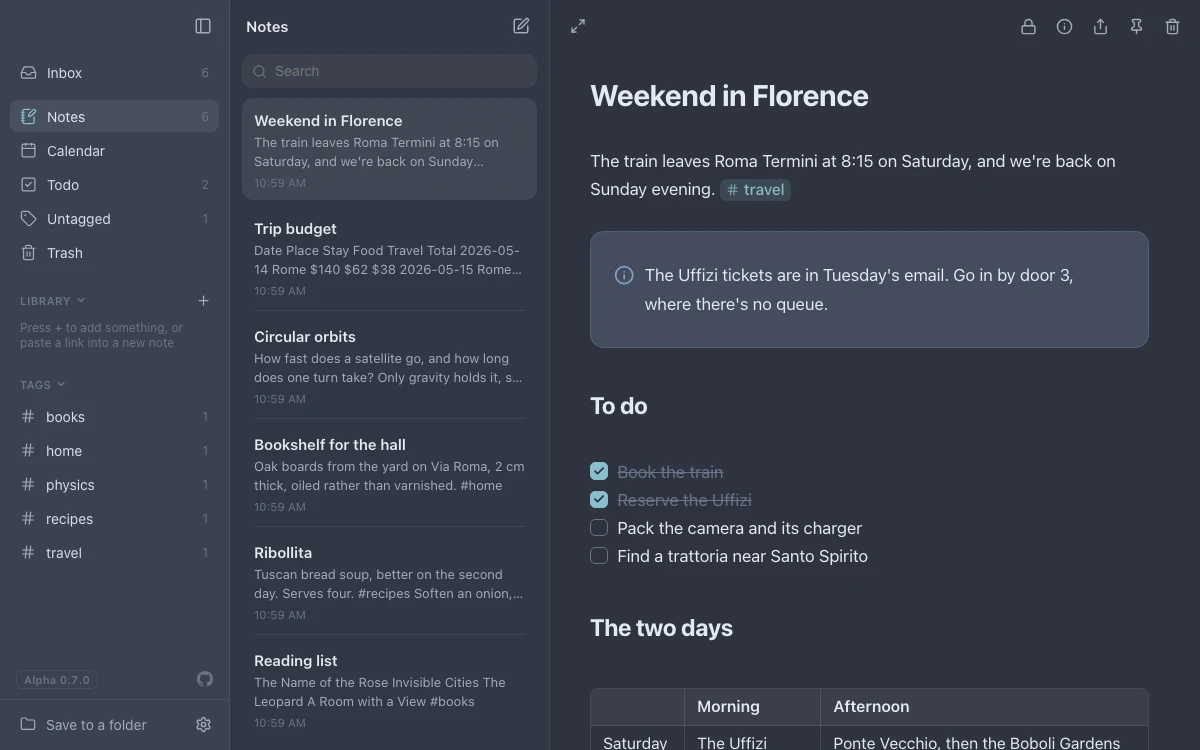
Nord

Catppuccin
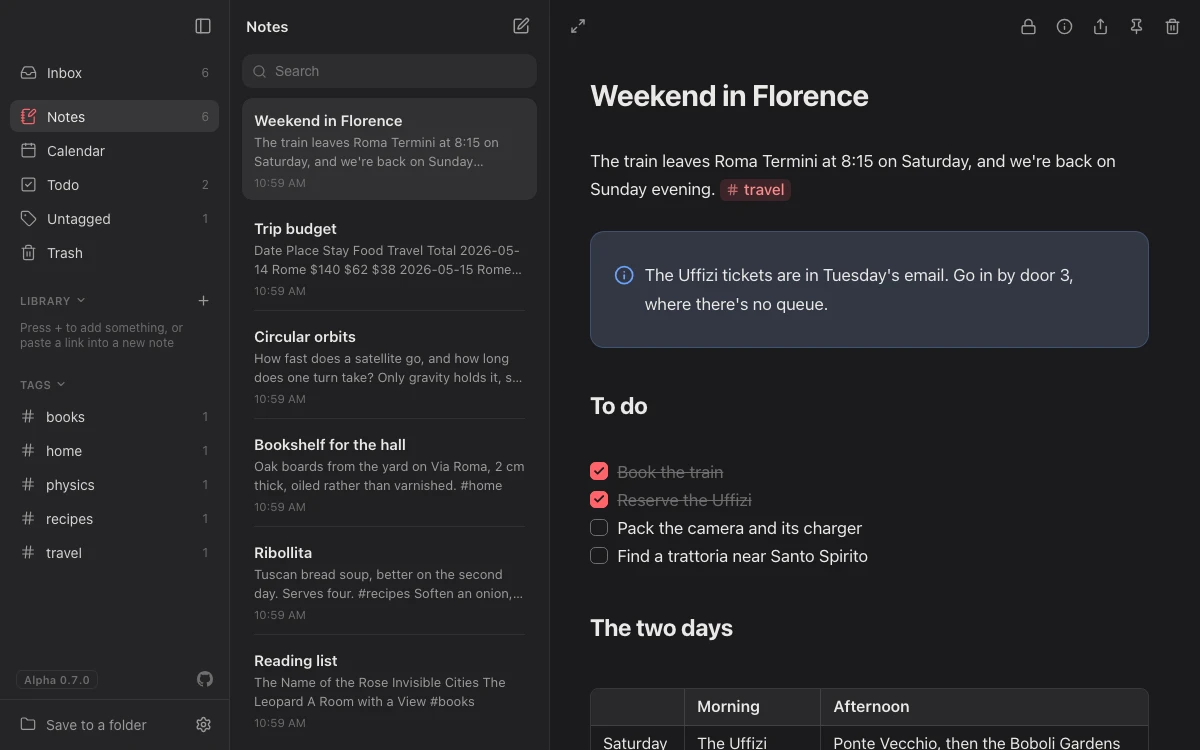
Ember
Plugins
Only what you need
Lines is a small app with plugins around it, like a code editor. Turn off what you don't use, and nothing in your notes changes.
How plugins work
Get Lines
Lines 0.8.0, November 21, 2026. What's new
-
Mac
Apple silicon and Intel
Download .dmg 187 MB -
Windows
64-bit, Windows 10 and later
Download .exe 90 MBOr .msi
-
Linux
64-bit, Ubuntu 22.04 and later
Download .AppImage 171 MB -
Android
Phones and tablets, Android 7 and later
Download .apk 148 MB -
iPhone and iPad
Coming soon, through TestFlight.
-
In your browser
Nothing to install. Chrome, Edge, Safari or Firefox.
Open the web app
Lines is still in alpha: it changes often and may have bugs, so export your notes now and then.
The Mac app is signed and notarized by Apple, so it opens like any other app. The Windows app isn't signed yet: choose More info → Run anyway. On Android, open the downloaded file, and allow your browser or Files app to install apps when it asks. All of this release's files